 Llama Builder
These panels are on the left and apply to the whole item.
Info
The first panel on the left, named after your item type, like Rug Info.
- Name: shows in the game's catalog and search, and names your project.
- Description: a line or two for the catalog card, like "Hand-woven in Windenburg."
- Translations: the name and description in the game's other languages. A language you leave empty uses your text. Filling them in with Translate all needs the Creator plan.
- Price (Simoleons): what the item costs in Build/Buy. Create-a-Sim items have no price.
Tags
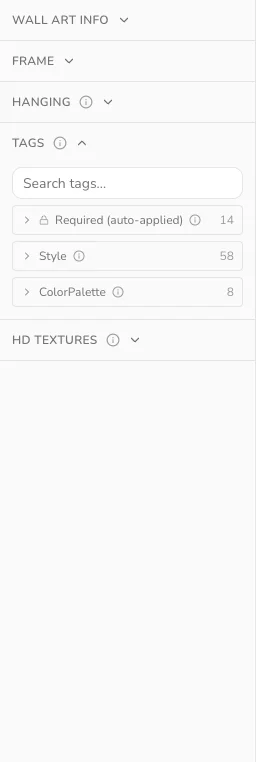
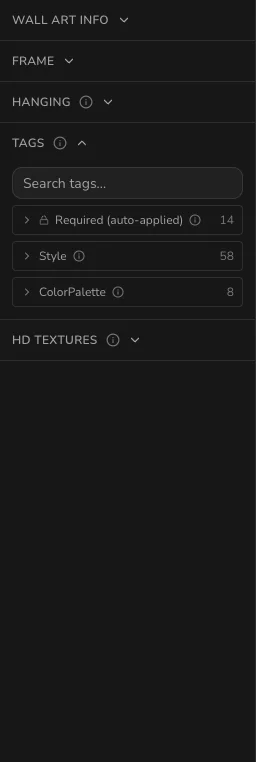
Open a group and click a tag to turn it on, or search for one by name.
Build/Buy items, such as wall art and rugs, have these groups:
- Required (auto-applied): locked tags that file your item in the right catalog category.
- Style: the catalog's style filters, like Bohemian for a macramé wall hanging.
- ColorPalette: a broad palette players can browse by, like Earth Tones for a terracotta vase.
Create-a-Sim items, such as nails and earrings, have Style too. The game also uses it to pick what townies wear. They add:
- OutfitCategory: the outfits it's meant for, like Formal for pearl earrings.
- Fabric: the material filter, like Metal for gold hoops.
Colors are tagged per swatch, under Color Tags.