 Llama Builder
The editor has four areas.
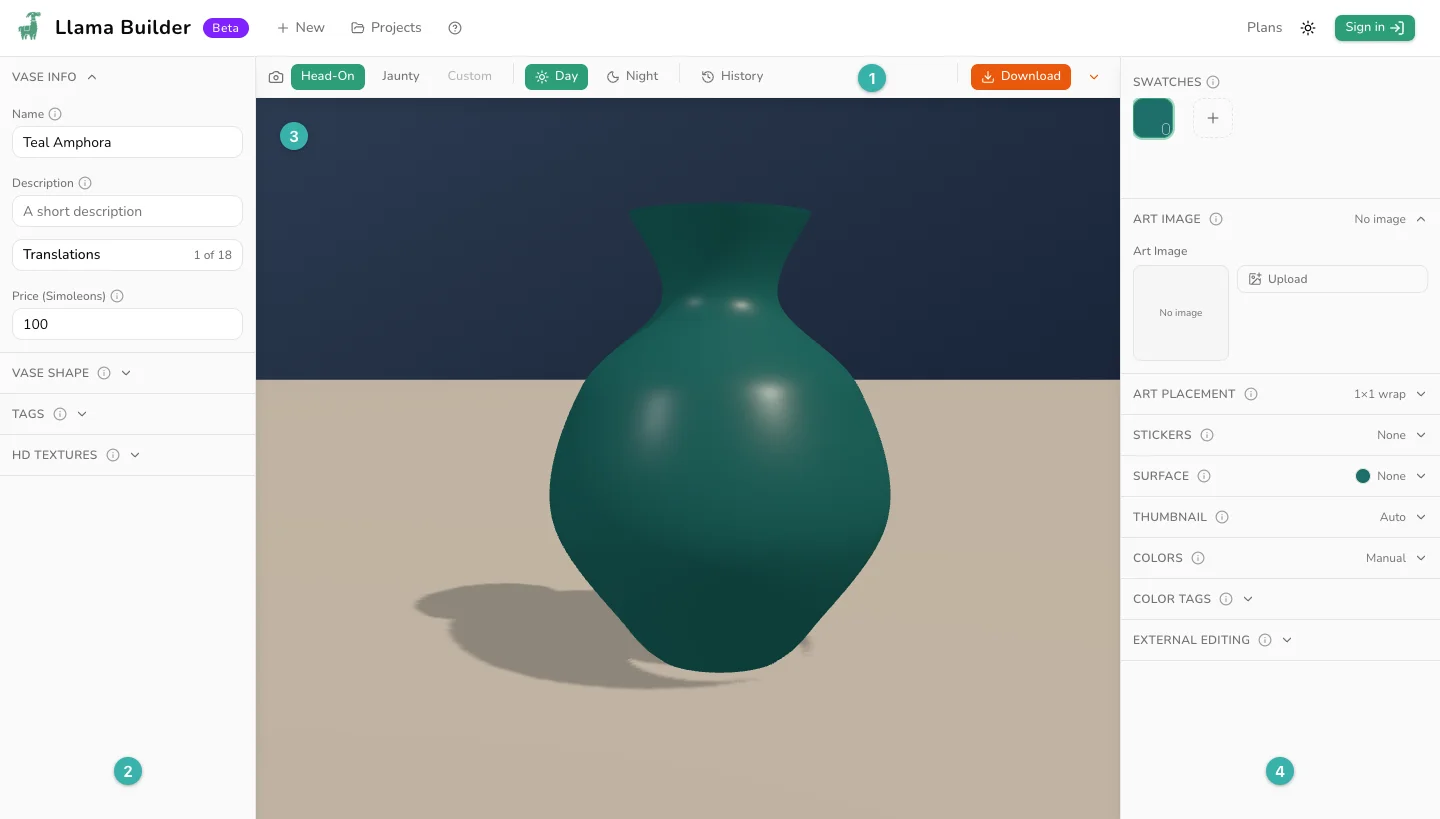
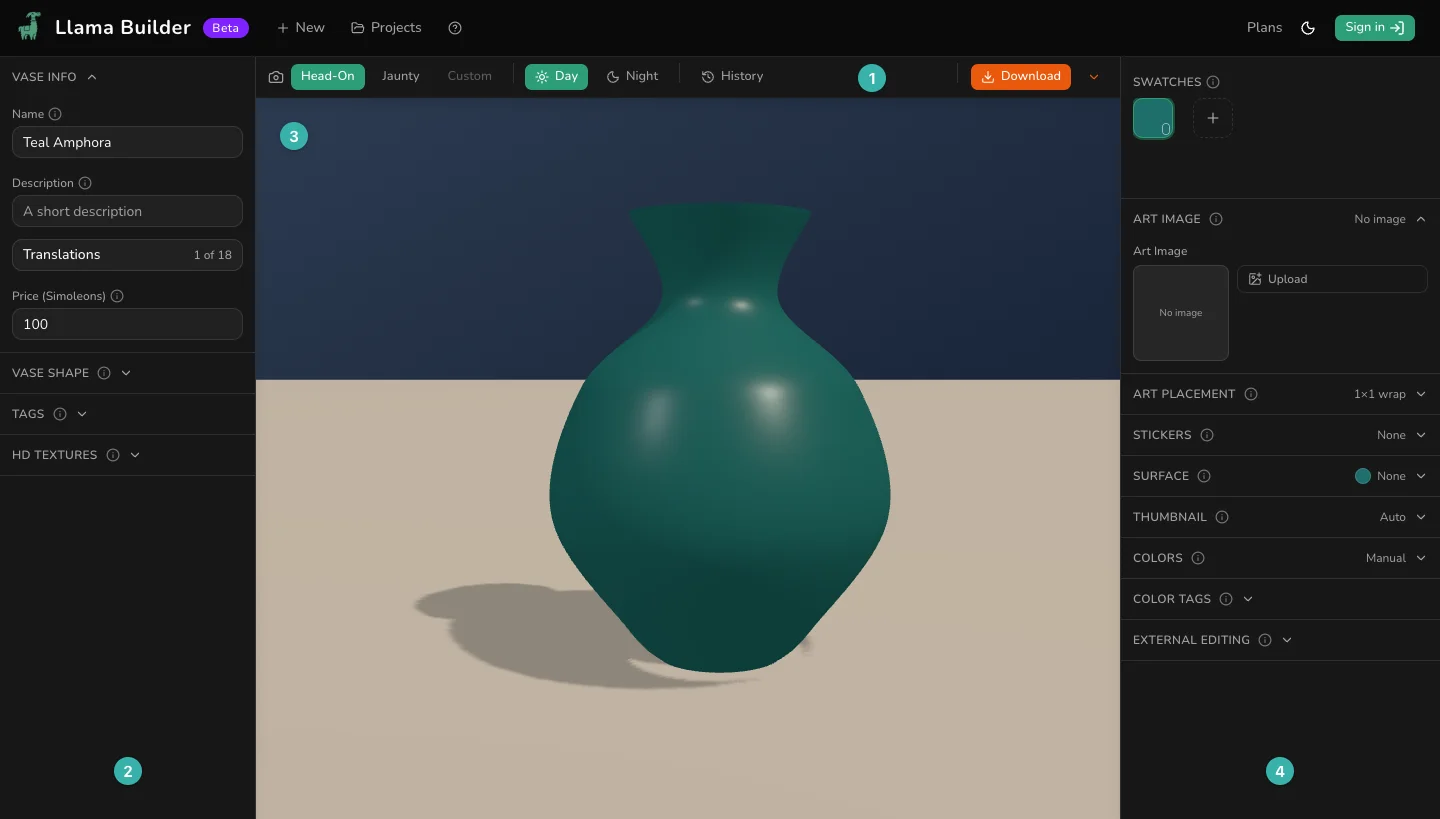
- The toolbar: camera angles, lighting, History and Download.
- The left panel: settings for the whole item, such as its name, shape and tags.
- The 3D preview.
- The right panel: your swatches, then the settings for the selected swatch.
Preview
These change only the preview, never your download.
- Head-On, Jaunty and the other named views: jump to a set camera angle. Other types have their own, like Top-Down for rugs.
- Custom: lights up when you drag the preview of a rug, vase or table. Drag sideways to spin the item, or up and down to tilt the camera. Click a named view to snap back.
- The paintbrush and its colored dots: repaint the wall behind your art. Wall art only.
- Day and Night: check your colors in bright and dim light.
- Grid: one square per game tile, to check your item's size. Wall art, rugs and tables only.
Projects
- New: start another project. The one you're on stays in Projects.
- Projects: open a saved project, or find one by name or type.
To rename a project, change Name at the top of the left panel. That renames the item in the game too. To delete a project, hover over its card in Projects and click the trash can. It doesn't ask first. You can't delete the project that's open.
Projects save themselves in this browser as you work. Sign in and they also sync to your account, so you can open them on another computer. The bottom right of the page shows Synced when your account has the latest copy. An account holds 500 synced projects, counted under the list in Projects.
Undo and History
Press Cmd+Z on a Mac or Ctrl+Z on Windows to undo, and Cmd+Shift+Z or Ctrl+Y to redo. In a text box, these undo your typing instead.
Click History in the toolbar to see your last 100 changes. Click one to take the project back to that point, or a later one to come forward again. The arrows at the top of the panel undo and redo one step. Changing something from an earlier point clears the later changes. History stays in this browser, even after you close the tab.
Cloud versions, at the bottom of the History panel, hold a copy from each time the project synced to your account. Click one to restore it, and undo if you change your mind. Older copies are kept for 90 days. Cloud versions need the Creator plan.