 Llama Builder
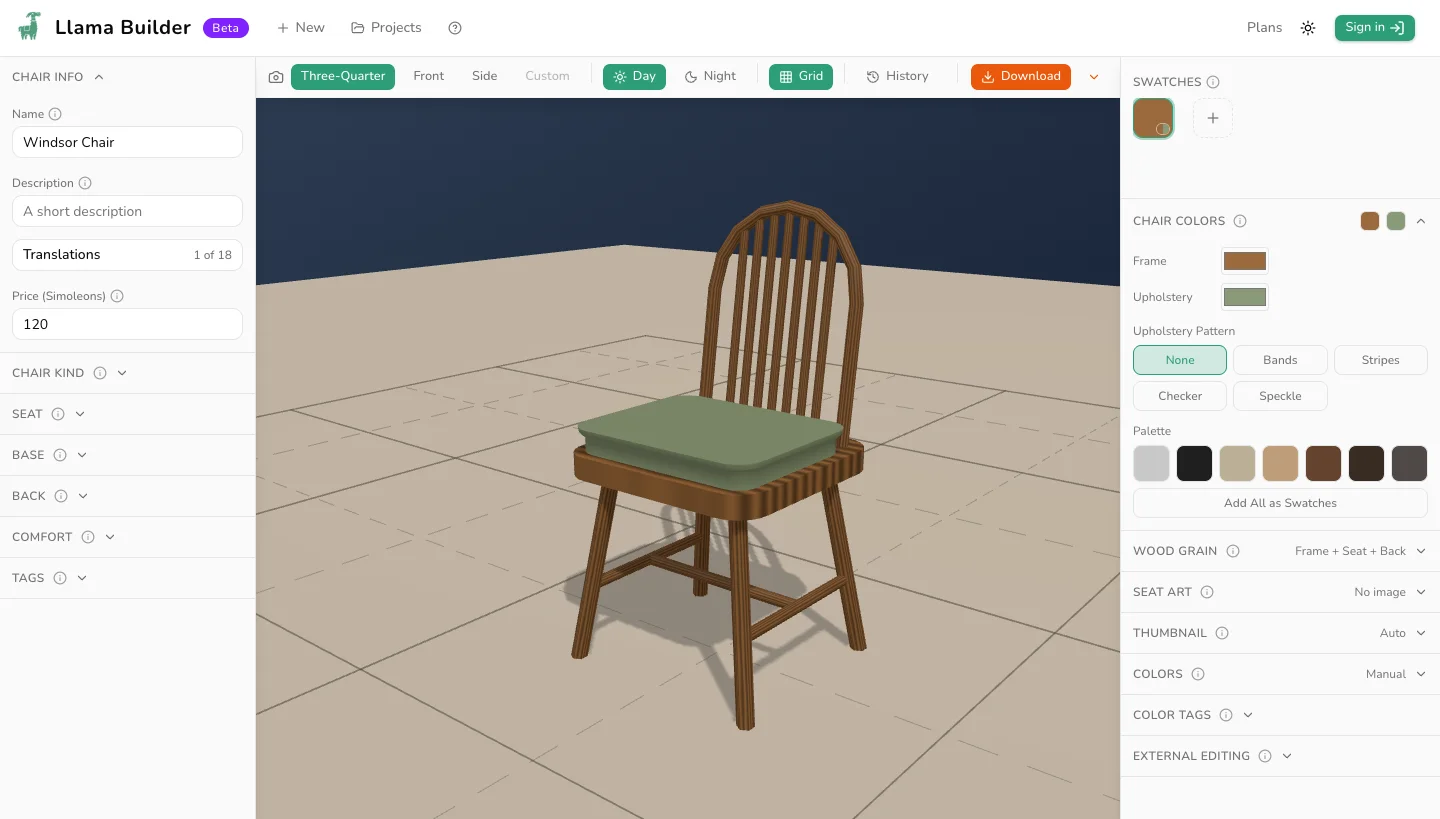
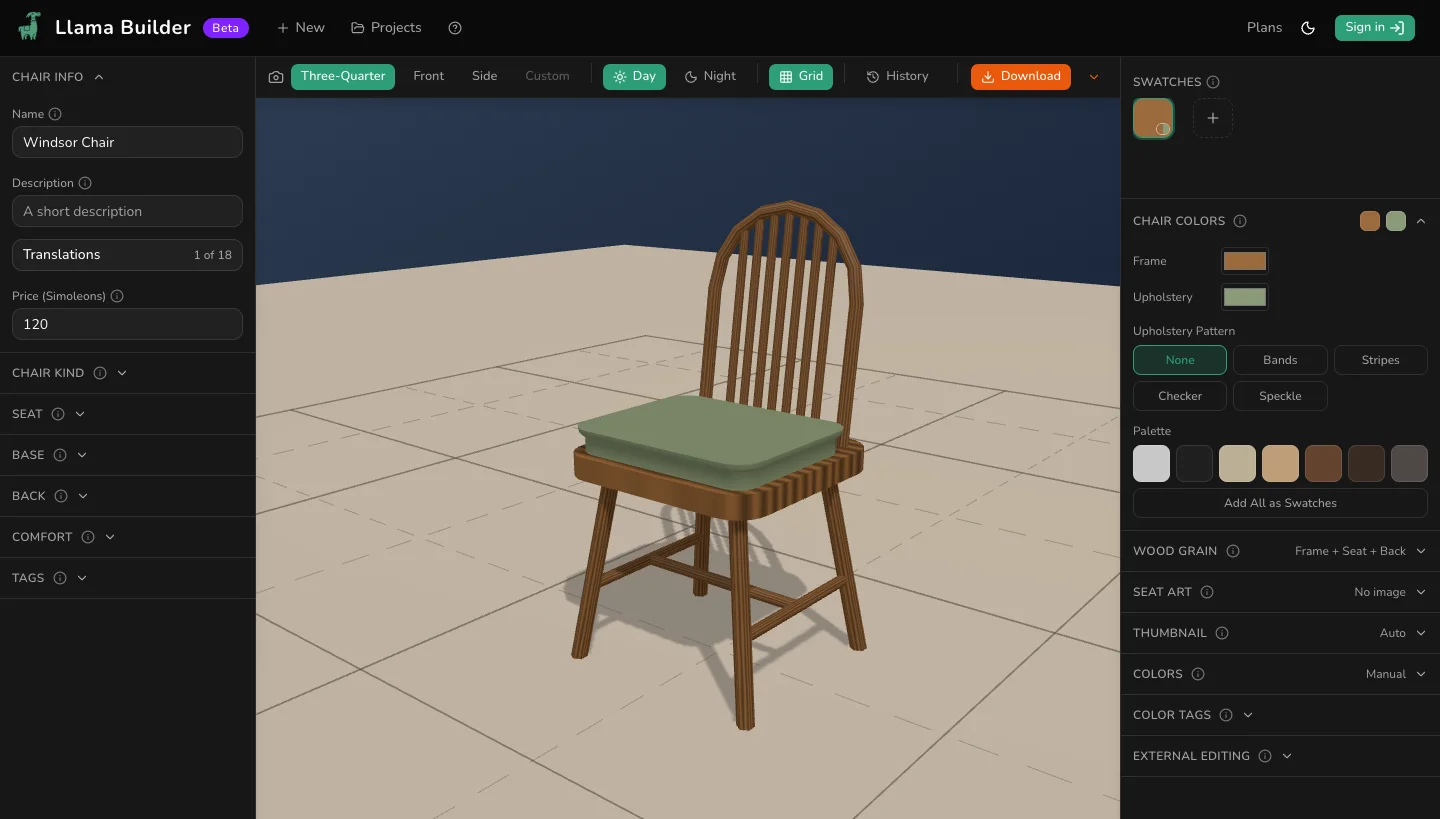
Build a dining chair, desk chair, living chair, rocker, recliner or stool. In the game, chairs are in Build/Buy under Comfort.
Chair Kind
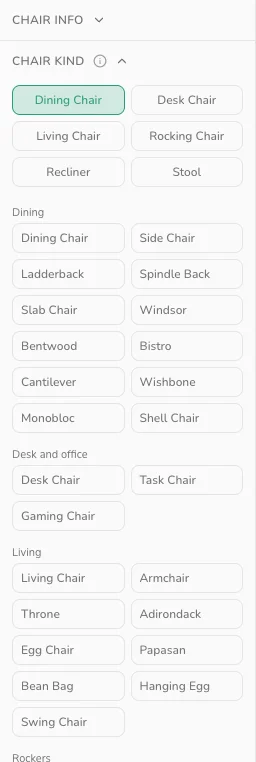
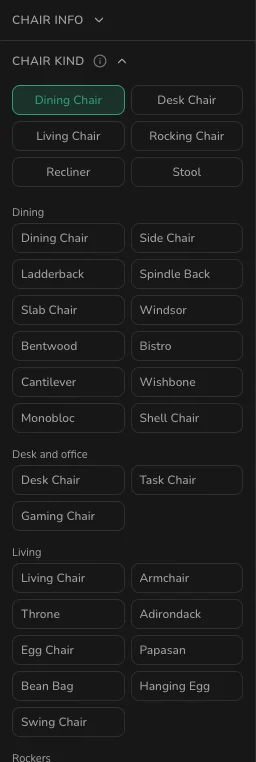
Dining Chair, Desk Chair, Living Chair, Rocking Chair, Recliner and Stool set how Sims sit. Switching kind keeps your shape; a style tile replaces it.
Click Snaps to Tables: Off on a living chair to snap it to dining tables.
Detail counts triangles against EA's guide of 800 per tile. Click Seat Markers: Off to show where Sims sit.
Seat
- Rectangle, Rounded, Circle or Oval: the outline. The edge buttons cut its rim, as on a table top.
- Width, Depth and Thickness: from a 2 cm plank to a 16 cm cushion.
- Solid or Upholstered: the seat, back and arm panels in wood or upholstery.
Base
Square, Turned, Slab, Pedestal or Five-Star legs. Turned legs use the curve editor vases use, a five-star or pedestal's Top and Bottom size its column, and Inset moves the rest in from the edge. H or X stretchers join four legs, and Height sets how far up the legs they sit.
Back
Panel, Slats, Spindles, Ladder or Open, with Count for slats, spindles and rails. Straight, Arched or Peaked sets the top edge. At Height 0 there is no back; Lean tips it back up to 25°.
Comfort
Open or Panel arms, with Height and Width. Click Cushion: Off to add a cushion; the seat drops by its Thickness so Sims sit at the same height.
Chair Colors
Frame colors the legs, posts, rails and open arms. Upholstery colors upholstered parts and cushions. Chrome, Black or Brass finishes a five-star base.
Wood Grain
Frame, Seat and Back set where the grain goes, Intensity how heavy and Seed the pattern. Back covers arm panels too.
Seat Art
Your picture sits like a table's top art.