 Llama Builder
Paint a lot's ground with your own grass, dirt, sand, gravel or stone, and your paints show up in Build mode under Terrain Paint.
One project is a set of paints that ship together, each a catalog item with its own ground type, structure and surface.
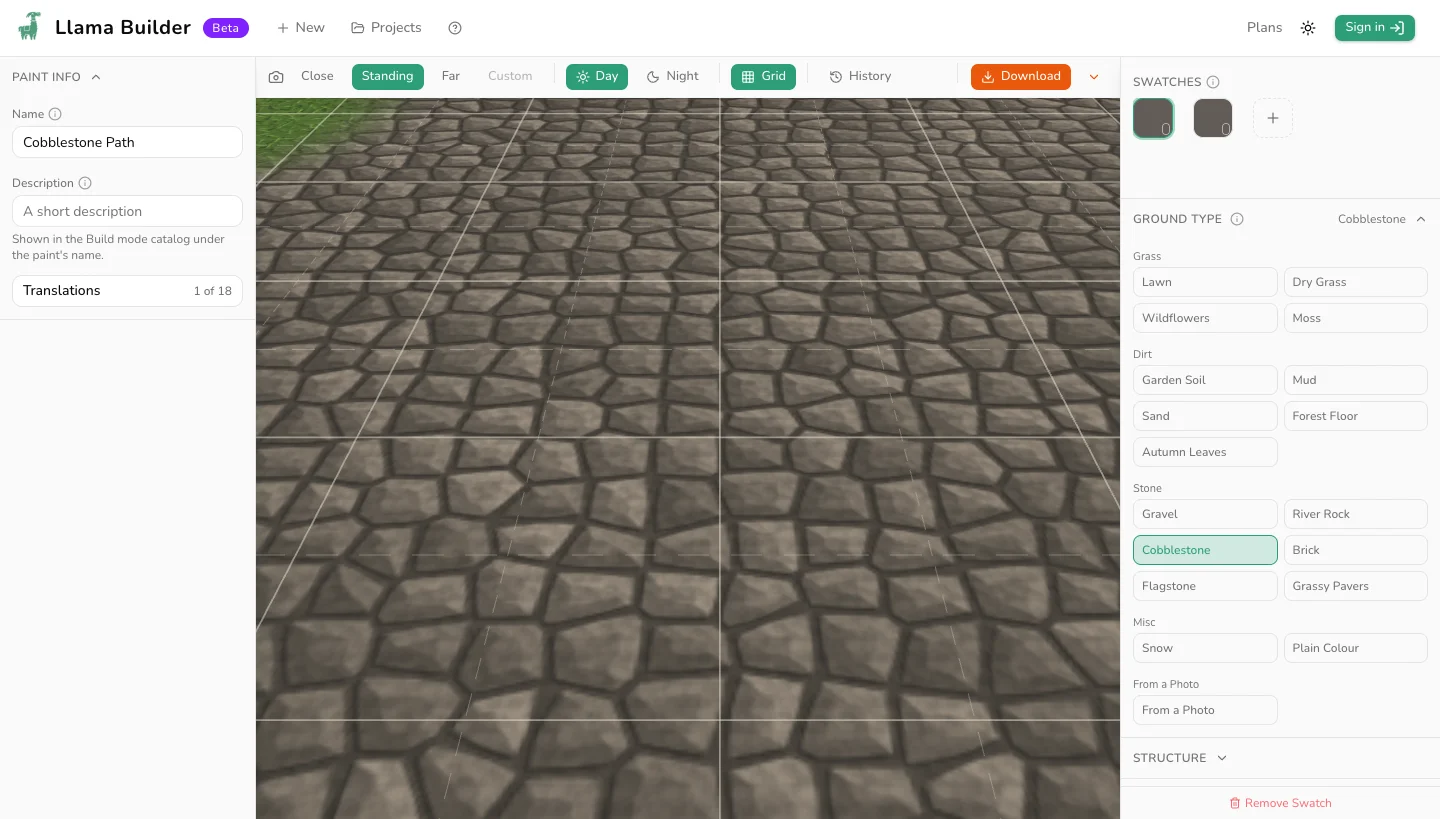
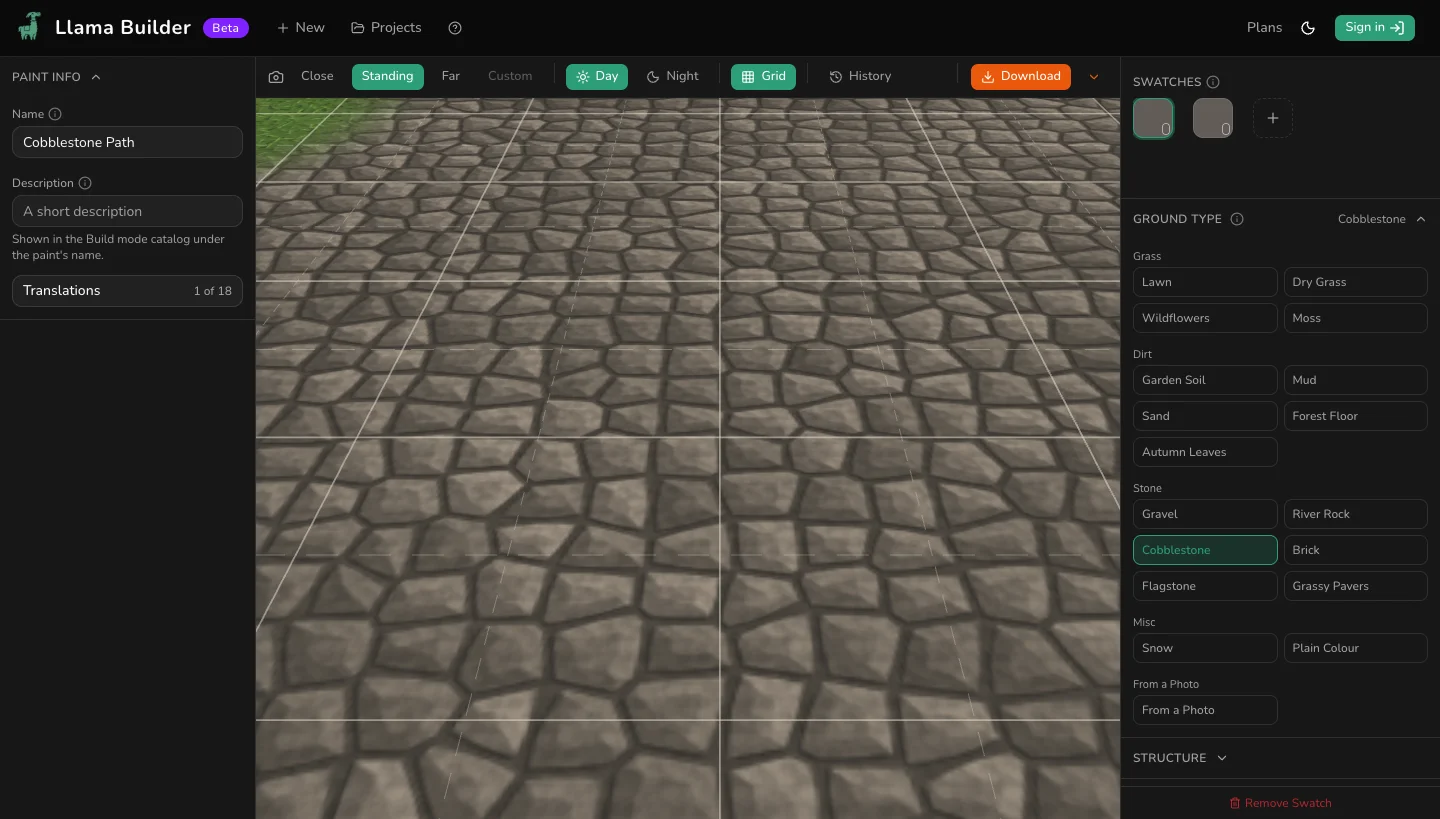
Paint Info
The project's name and description work as any item's do, under Info. Terrain paints are free, so no price. Every other section belongs to the paint you have selected.
Ground Type
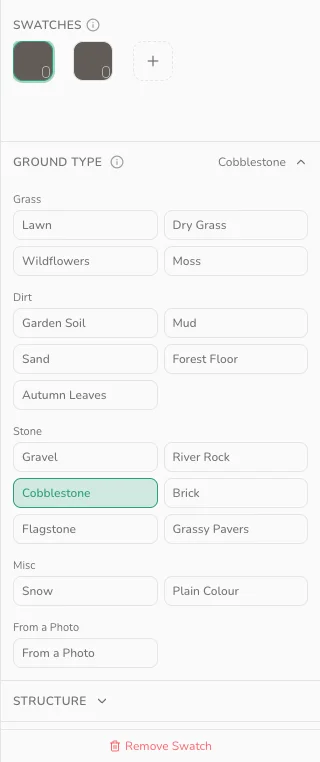
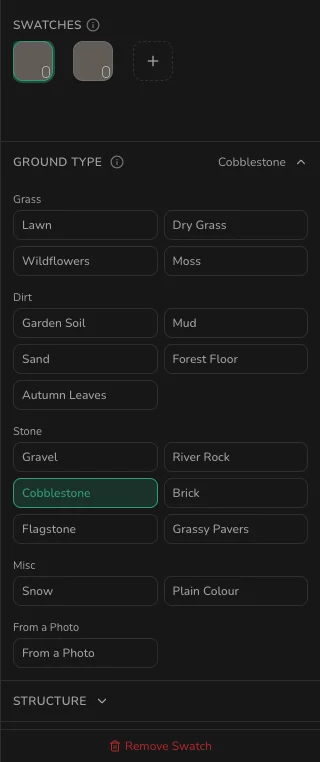
Pick a ground for the selected paint. Eighteen to start from, grouped as Grass, Dirt, Stone, Misc and From a Photo. Changing it replaces that paint's structure, colours and in-game settings; the other paints are untouched.
+ in the Swatches panel adds a paint on the selected paint's ground type, in that ground type's own colours.
Structure
The layers the selected paint is built from, in stacking order: the ground, stones and their joints, scattered blades or leaves, patches, cracks and relief. Layers its ground type leaves out get a button each: Add stones, Add scatter, Add patches, Add cracks.
One paint covers a 4 m tile, about four floor tiles across. Sizes are measured on it: 25 mm of grain, a 50 cm paver, 420 blades per m². Edit anything and Reset to Lawn appears, named after that paint's ground type.
In the Game
Surface type and Catalog filter do not have to match: a mossy path can sound like Stone and still list under Grass. Pick Sand and Sims can build sandcastles on it.
Steep ground takes no paint at all. Some lots lay paint at about 45 degrees. A grass or soil ground hides that; brick, pavers and painted lines do not. A painted lot can also come back bare. That is an EA bug, patched twice and still reported.
Paint one ground cover over another with a soft brush: a single click lays partial strength, so the two mix along the join.
Paint Name
An empty name takes the project's name and the paint's place in the row: Mossy Path 1, Mossy Path 2, or Mossy Path alone for a single paint. Naming one leaves the others' numbers alone.
Colours
One list per layer the paint's ground type uses: Ground, Stones, Joints, each scattered element by name, and Patches. Two colours in a list mix across the ground; one paints it flat.
Photo
On the photo ground type, upload the picture the paint is built from. Shoot straight down in even light: one strong shadow repeats across the lot. Photo covers sets how much ground one copy fills, 25 cm to 4 m. Seam blend fades the join where copies meet: raise it when an edge shows, lower it for a sharper picture.
Look
Shuffle draws the paint again, so two paints on one ground type are not the same picture. Variation and Wear add blotching and dirt. Brightness and Saturation move the whole paint lighter or darker, flatter or richer.
Seam Check
Pick 3 × 3 or 6 × 6. Turn on Show tile edges to draw the joins. A built ground always wraps, so a line along an edge means a photo or an import: raise Seam blend, or edit the import again.
Thumbnail
The catalog picture is the paint itself. Replace it under Thumbnail.
External Editing
Export saves the paint as a 512 by 512 PNG; Import takes an edited one back. See External Editing.