 Llama Builder
Make your own shingles, slate, clay tiles, metal, thatch or flat roofing, and your pattern shows up in Build mode under Roof Patterns.
One project is one catalog tile. The structure is the project's, so every swatch is the same roof in different colours, the way EA's own roof patterns work.
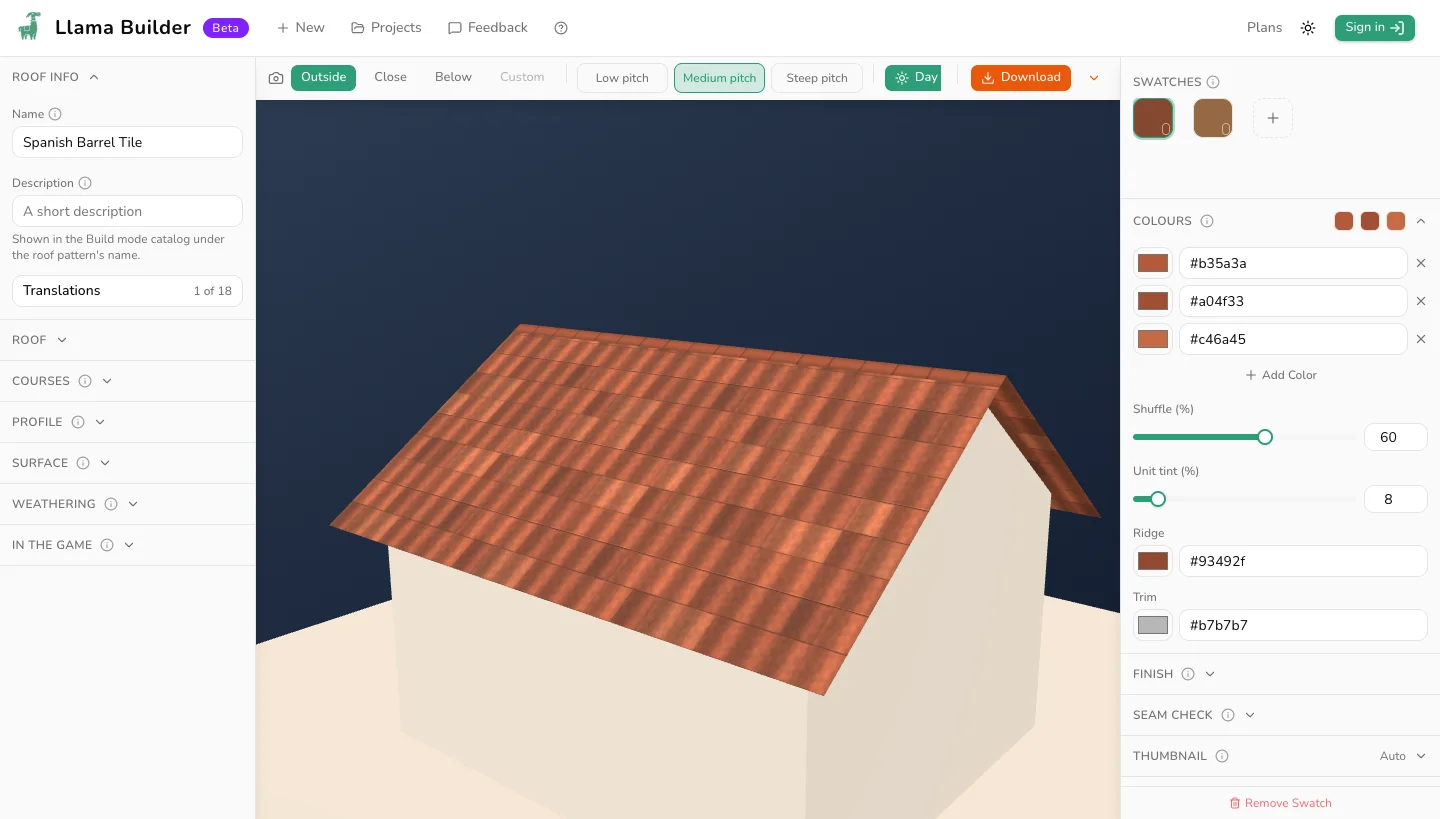
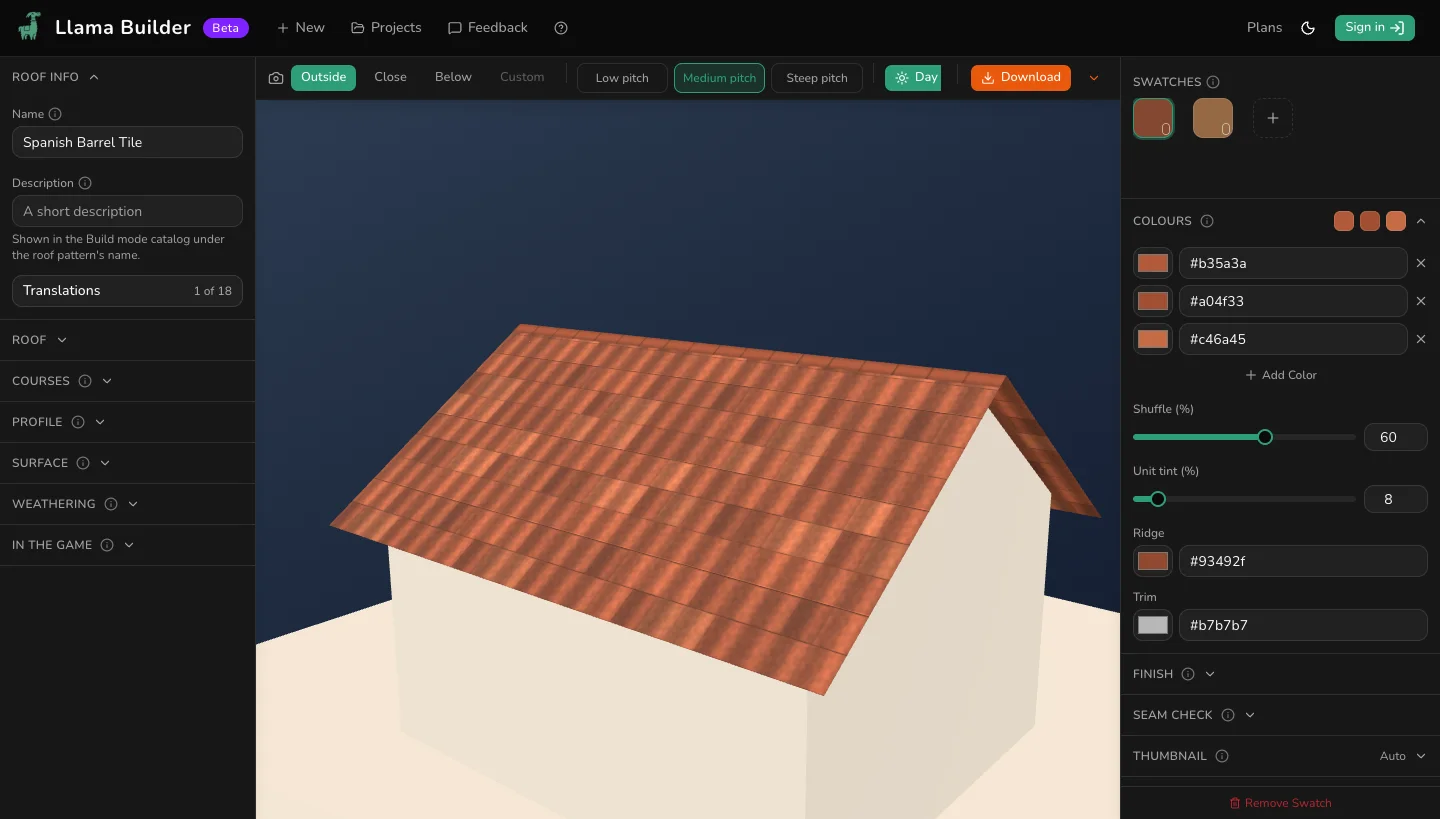
Roof Info
Name and description work as any object's do, under Info. There is no price: every roof pattern in the game is free.
Roof
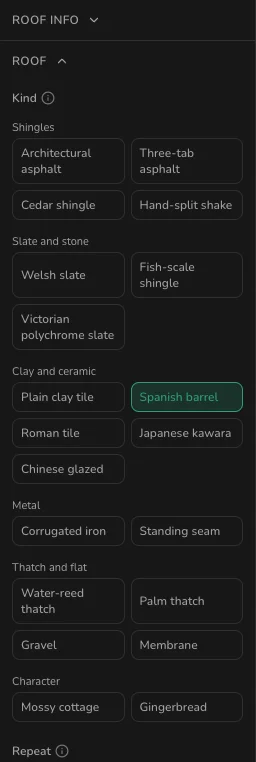
Twenty roofs to start from, grouped as Shingles, Slate and stone, Clay and ceramic, Metal, Thatch and flat and Character. Picking one replaces the structure and recolours every swatch from its colourways. It never adds or removes a swatch.
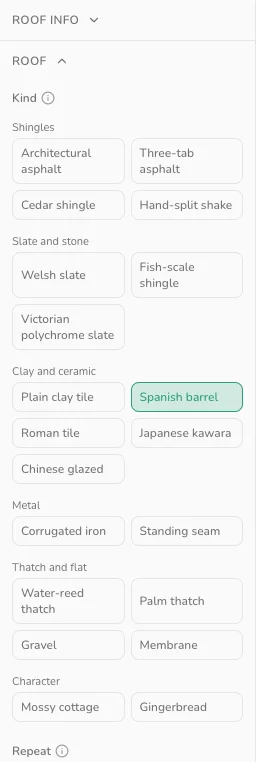
- Repeat: how far the pattern runs before it starts again, across and up the roof. 2 m suits most roofs; 4 m suits long metal sheets.
- Underside: shows the pattern under the eaves as well as on top. Turn it off for the game's own grey underneath.
- New variation: a fresh draw of the same roof, with different units lighter and the moss in new places.
Courses
The rows of shingles or tiles, laid from the eave up so each row overlaps the one below.
- Course height: how much of each row shows. It snaps so whole rows fill the repeat.
- Unit width: one shingle or tile across. It snaps the same way.
- Width variety: at 0 every unit is the same width; raise it for shakes and architectural shingle.
- Bond: how far each row shifts against the one below.
- Butt: the shape of each unit's lower edge. Three-tab cuts the slots of an asphalt strip.
- Gap: the line between neighbouring units. At 0 they run together, as laminated shingle does.
- Colour bands: paints whole rows in your colours in turn, for Victorian slate.
- Lap shadow: how deep the shadow under each row's edge is, as thick as the unit is.
Profile and Ribs
A tiled roof gets Profile: Barrel, S-tile or Roman, how far apart the curves sit and how deep they are. A metal roof gets Ribs: Corrugated, Box rib or Standing seam, their spacing and depth, and how long each sheet runs before the next one laps over it.
Thatch, Gravel and Membrane
Thatch, gravel and flat membrane have no rows of units. Each takes one size: the length of a thatch stroke, the size of a stone, or the spacing of the membrane's seams.
Surface
- Grain: what the material looks like up close: granules, wood, slate, clay or metal.
- Grain strength: at 0 the surface is smooth.
- Gloss: how much the roof shines. Metal and glazed tiles want more.
- Relief: how deep the shapes read in the game's light. At 0 the roof is flat.
Every swatch shares these, because the game shares one depth and one shine map across a roof's swatches.
Weathering
Moss gathers under the row edges and in the gaps. Lichen spots the faces. Streaks run down the slope. Rust sits in the laps of a metal roof. Fade bleaches some units more than others. Where each sits is shared; its colour is set per swatch under Colours.
In the Game
The tags EA's roofs carry: Environment score, Eco footprint and Bills. None are set by default.
Colours
Up to four colours for the roof, plus Ridge and Trim, and a colour for each weathering you turned on.
- Shuffle: at 0 every unit takes your first colour; raise it to mix in the others.
- Unit tint: how far one unit's shade strays from the next.
Finish
- Variation: large, soft blotches that keep the repeat from reading as a grid.
- Brightness and Saturation: lift or deepen the whole swatch.
Seam Check
The pattern tiled next to itself, two, three or six times across. Turn on Seams shown to see where each copy starts.
The Preview
The toolbar's Low pitch, Medium pitch and Steep pitch tilt the preview roof. The game draws your pattern at whatever pitch you build. Below looks up from inside, as you would under a porch, where the underside shows.