 Llama Builder
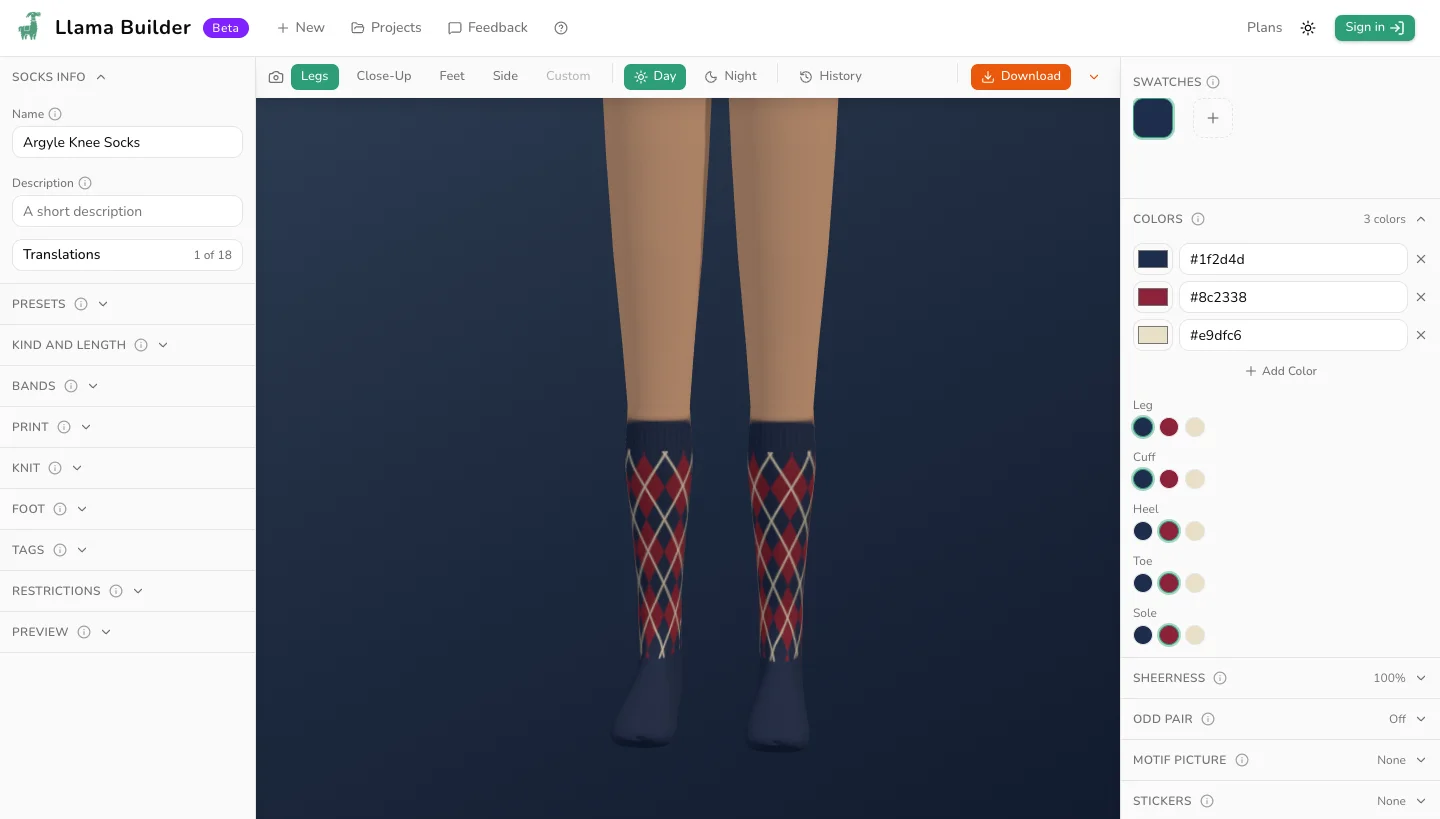
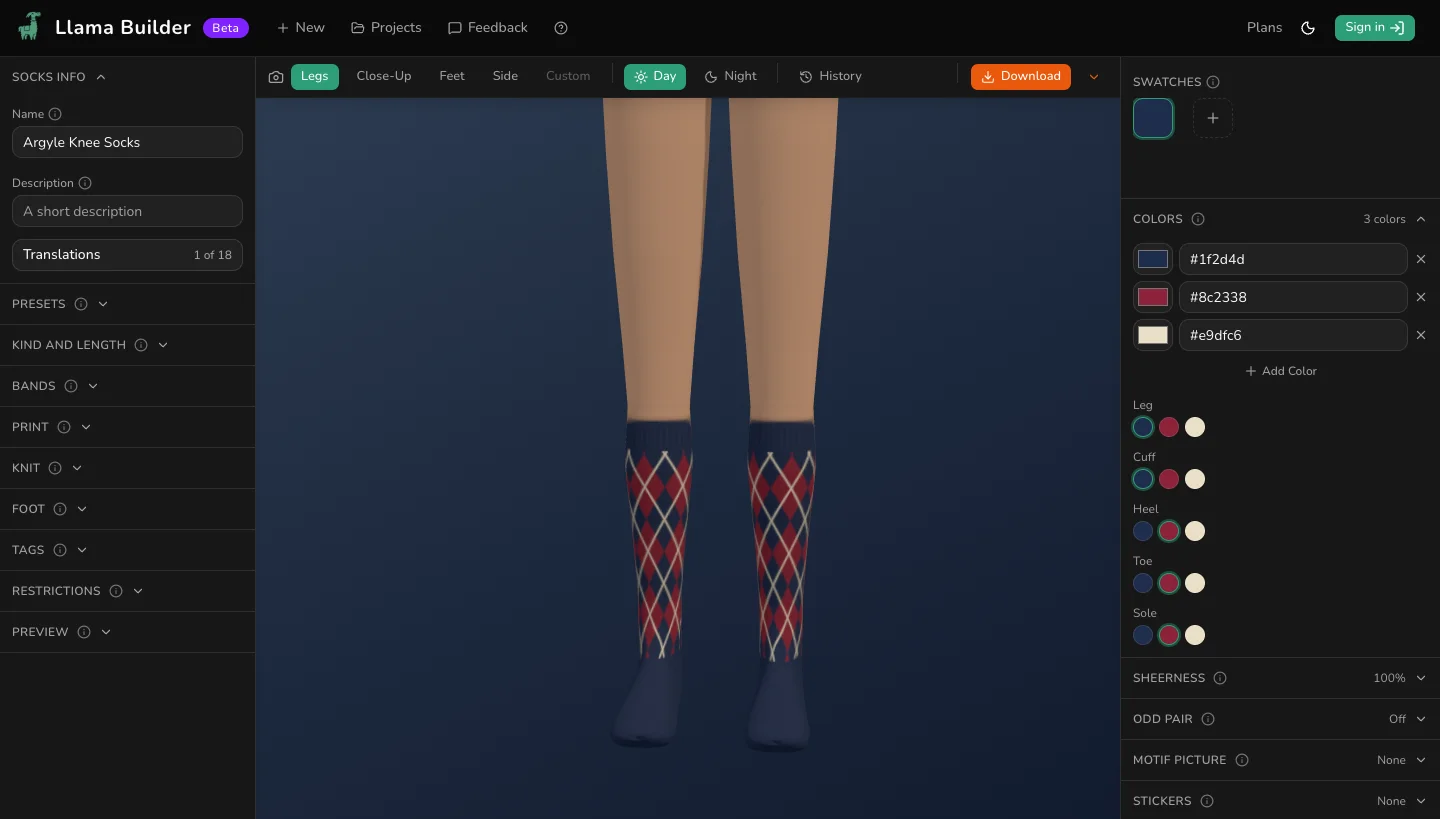
Knit your own socks, stockings and tights. In Create-a-Sim they turn up under accessories, in the socks or the tights category, and one design fits every age you allow.
Presets
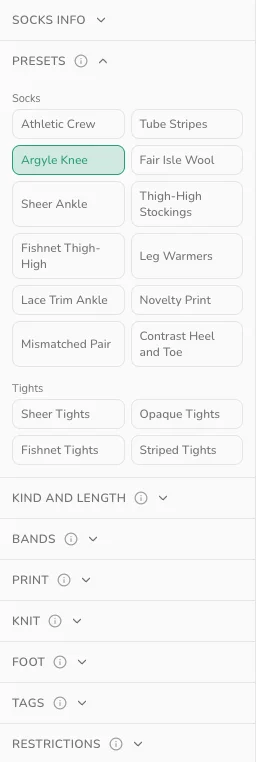
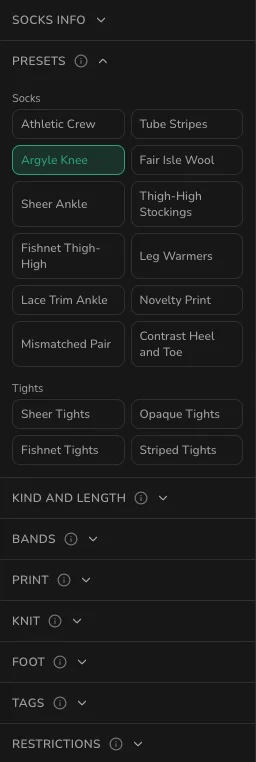
Pick a starting point: twelve socks from an athletic crew to fishnet thigh-highs, and four tights. Picking one replaces the design and recolors your swatches, and never adds a swatch. Reset puts back the preset's own design after you have changed it.
Kind and Length
- Kind: Socks are drawn over tights, so a Sim can wear both. Tights reach the waist.
- Length: jump to a named length, or set Top Edge to the centimeter. Lengths are measured on an adult's leg, and every age wears the sock at the same place on its own leg: a knee sock is a knee sock on a child too.
- Footless: stop the sock above the foot, for leg warmers and footless tights.
- Cuff: the band at the top edge, in the cuff's own color.
- Top Edge Shape: straight, scalloped or picot.
Bands
Bands are stripes and blocks of color under the top edge. They are measured down from the top edge, so they follow the cuff when you change the length. Press a band to print on it, drag a boundary to move it, and step the count to add or drop one. Band Color fills the selected band; leave it off to let the leg's color show through.
What the selected band repeats: nothing, a motif or stripes. It works like the wallpaper print, with two figures of its own: Argyle, diamonds crossed by fine lines in the second color, and Fishnet, a net with open holes the skin shows through.
Your Picture
Upload the picture under the swatch's Motif Picture. Download stays greyed out until every swatch has one.
Knit
- Knit: plain, fine rib, wide rib, cable or terry. The cuff of a plain or terry sock is always ribbed.
- Relief: how strongly the knit shows. At 0 the sock is flat color.
Foot
Give the Heel, Toe and Sole their own colors, chosen per swatch under Colors. A part given the leg's own color keeps the leg's stripes and print.
Tags and Restrictions
New socks reach every age, both frames. Switch an age off and the sock drops out of that age's Create-a-Sim panel. The slot comes from Kind, so it cannot be set here. Socks are hidden on werewolves, like the game's own.
Preview
- Body: Your game's body shows the sock on your own Sims' legs and feet, exactly as the game draws it, once you have linked your game. Simple legs is a stand-in that needs nothing.
- Preview Frame: your game's masculine or feminine body, once your game is linked. Both wear the same texture.
- Preview Skin Tone: the skin behind the sock, in the preview only. Switch it to Realistic to pick from plausible skin tones only.
Colors
- Colors: up to six. Leg, Cuff, Heel, Toe and Sole each take one of them.
- Sheerness: lower it for stockings and sheer tights. The skin shows through, and a fishnet's holes stay open whatever it is set to.
- Odd Pair: paint the right sock in a second set of colors, slot for slot, for a mismatched pair.
Stickers
Upload a picture to wear on the sock, like a logo on the outer ankle. Around the Leg moves it round: 0.25 is the front, 0.5 the outer side, 0.75 the back. Down the Leg moves it from the top edge (0) to the ankle (1). Both socks wear every sticker, turned so writing reads the right way on each leg. Stickers stay on the leg: the foot is left plain, and a sock that ends at the ankle has no room for one. Size, rotation, opacity and background removal work as for every sticker.
The shared Thumbnail, Colors and Color Tags panels work as for every type.