 Llama Builder
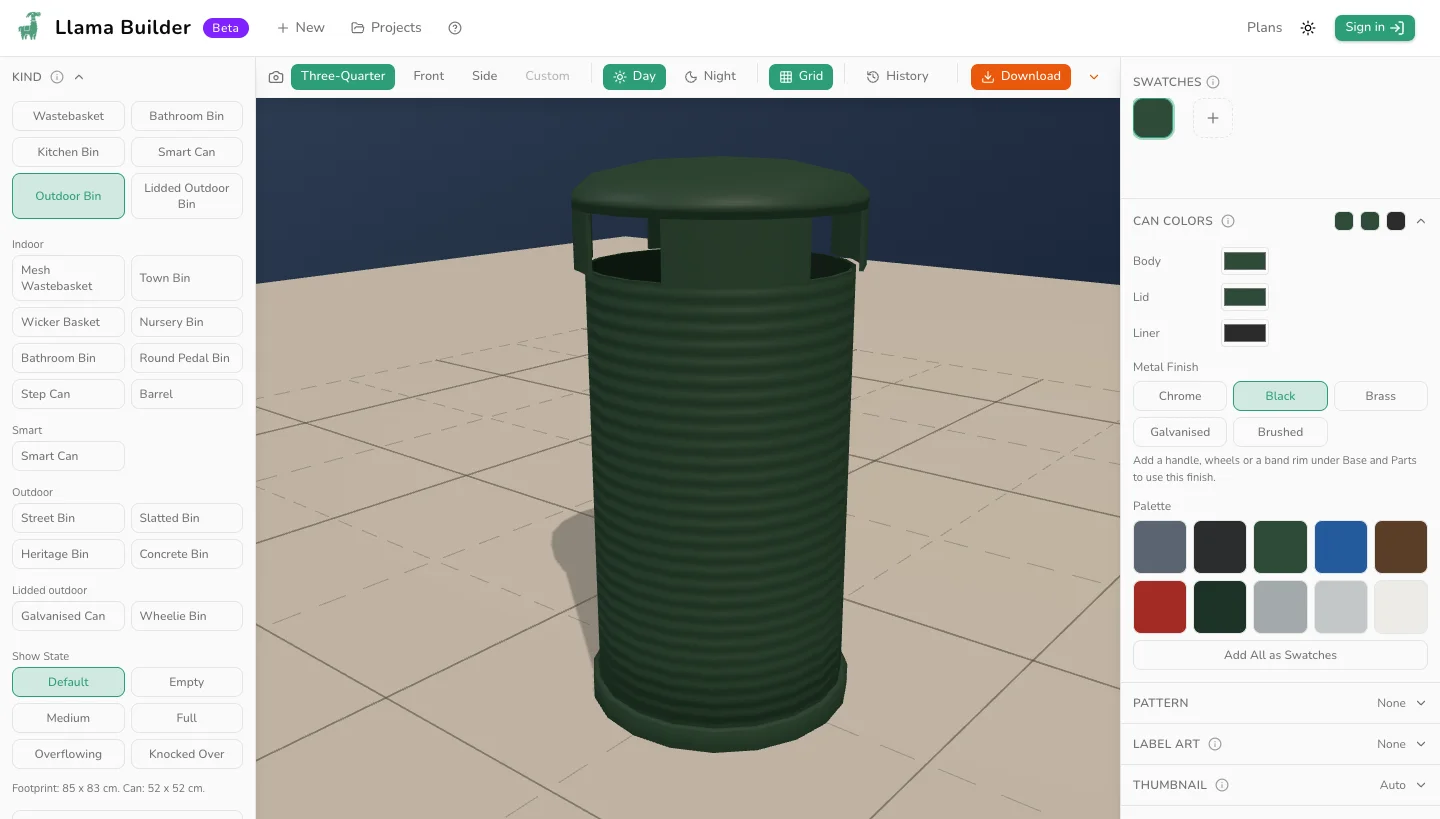
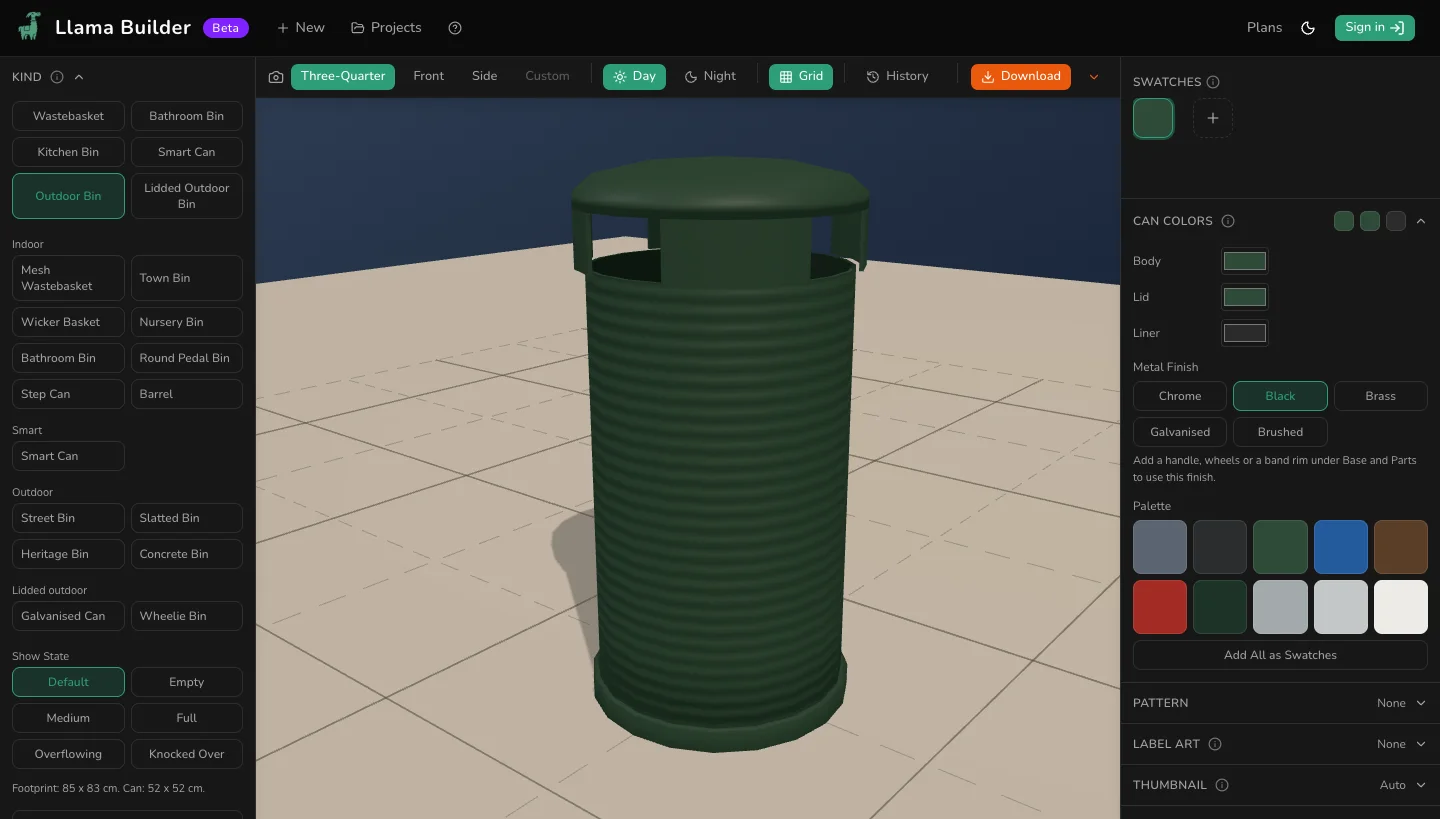
Design a trash can that works like the game's own. It shows up in Buy mode beside the game's trash cans, Sims throw rubbish in it, it fills up and overflows, and a street bin can be knocked over and picked up again.
One project is one can. Each swatch is a colourway of it, so the shape is shared and the colours are not.
Kind
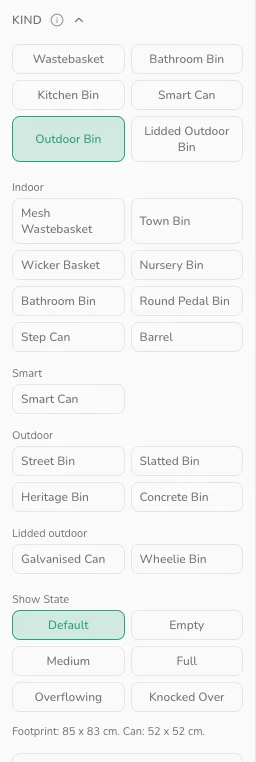
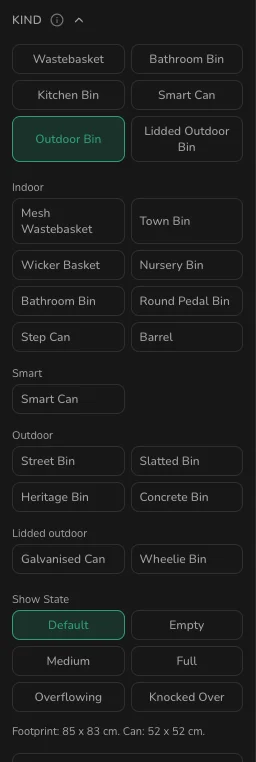
The kind is what the can does in game: a Wastebasket, a Bathroom Bin, a Kitchen Bin, a Smart Can that eats its rubbish, an Outdoor Bin, or a Lidded Outdoor Bin whose lid opens.
The styles are whole cans, from a Mesh Wastebasket to a Wheelie Bin. Clicking one sets the kind and every shape control; your swatches stay as they are.
Show State previews the can Empty, Medium, Full, Overflowing or Knocked Over, and Lid Open swings a hinged lid. The line under it is the footprint, and Footprint: On draws its tiles.
Body
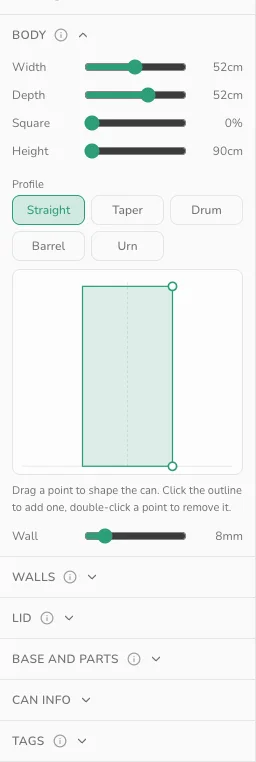
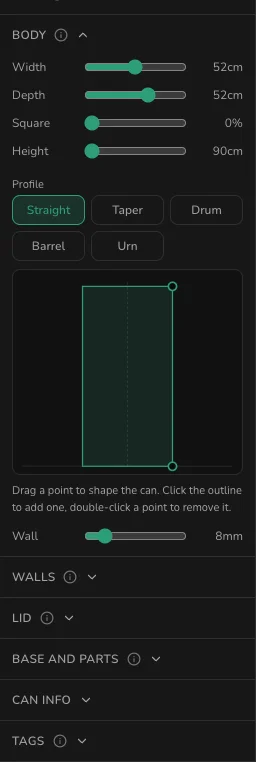
- Width, Depth and Height: the can's size. A wastebasket is about 35 cm tall, a street bin about 100 cm. A hinged can's height comes from the game's lid hinge.
- Square: 0 is round, 100 is a box.
- Profile: the side view. Pick Straight, Taper, Drum, Barrel or Urn, or drag a point. Click the outline to add one, double-click a point to remove it.
- Wall: how thick the wall is.
Walls
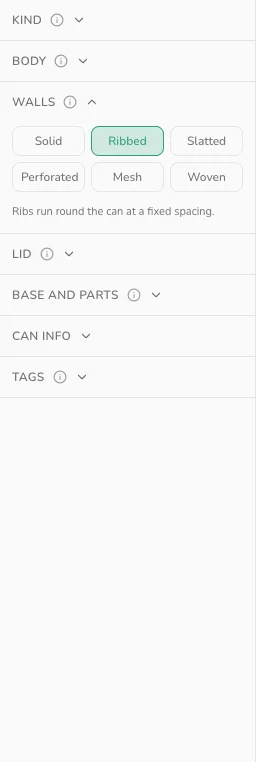
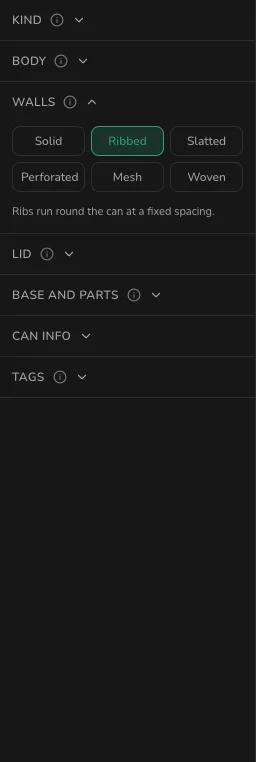
- Solid and Ribbed are moulded walls. Slatted stands timber battens round the can; set how many and how wide.
- Perforated, Mesh and Woven are see-through walls. Pick the holes' shape and spacing, or the weave.
The Smart Can takes Solid or Ribbed only.
Lid
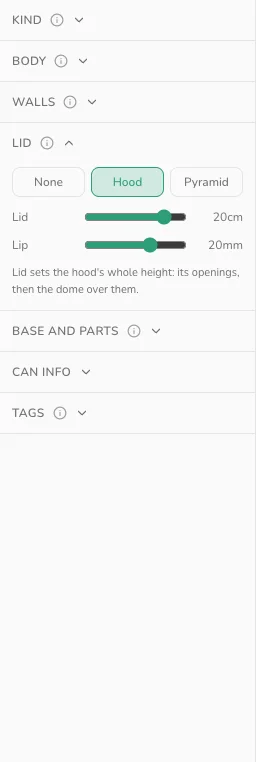
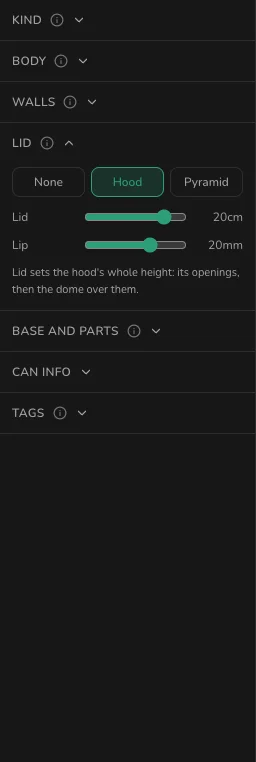
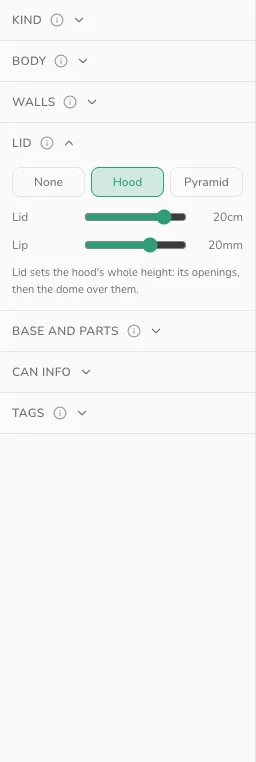
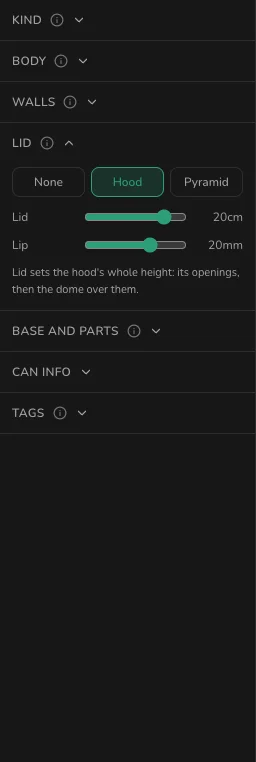
Pick None, Flat, Domed, Swing Flap, Butterfly, Hood or Pyramid. Each kind lists the ones it can wear: a hinged can always has a flat or domed lid, and a street bin takes a hood or a pyramid cap.
- Lid: how tall the lid stands. On a hood it is the openings plus the dome over them.
- Lip: how far the lid's edge reaches past the can.
Base and Parts
- Rim: Plain, Bead, Flange, or Band, a metal hoop.
- Base: Flat, Foot Ring, Plinth, Feet, or Wheels on an outdoor bin.
- Handles: Side Grips, a Wire Bar across the back, or a Bucket Handle.
- Pedal: a foot pedal at the front of an indoor bin.
- Liner: a bin bag folded over the rim.
A part that needs room the footprint does not have is drawn smaller, and a line says so.
Can Colors
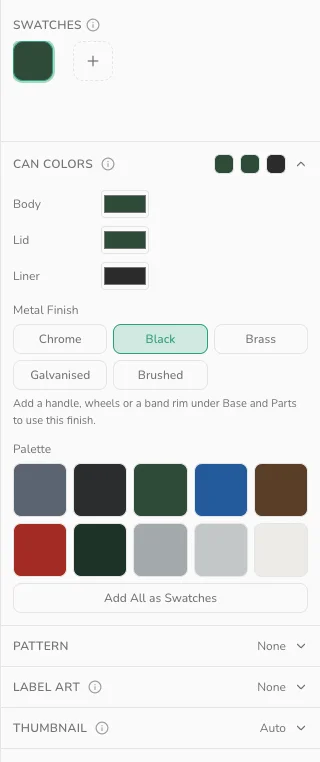
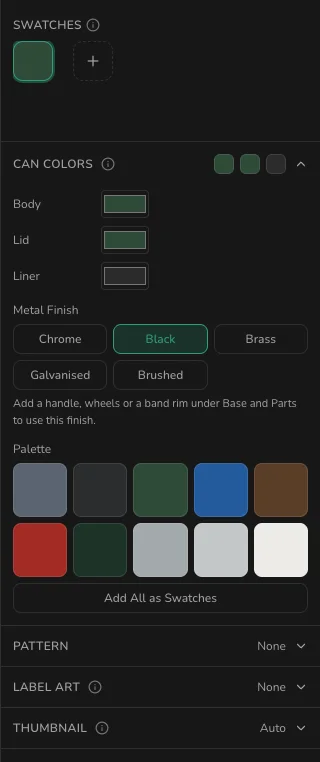
- Body, Lid and Liner: the can, its lid, and the bag inside.
- Metal Finish: Chrome, Black, Brass, Galvanised or Brushed, for the pedal, handles, wheels and a band rim.
- Palette: colours bins come in, such as Wheelie Black or Heritage Green. A chip sets the body and the lid, and some set the finish too. Add All as Swatches makes one swatch of each.
A slatted can's battens take Wood Grain in its own section.
Label Art
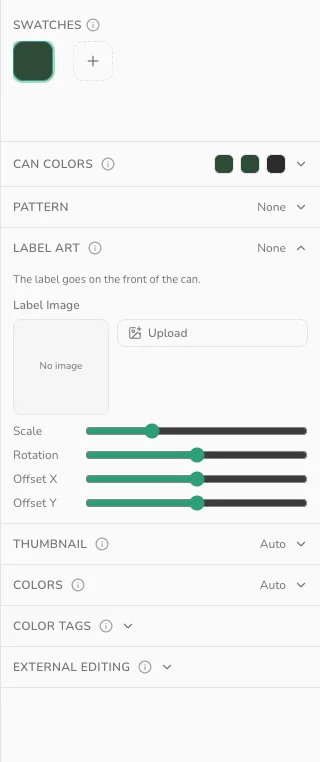
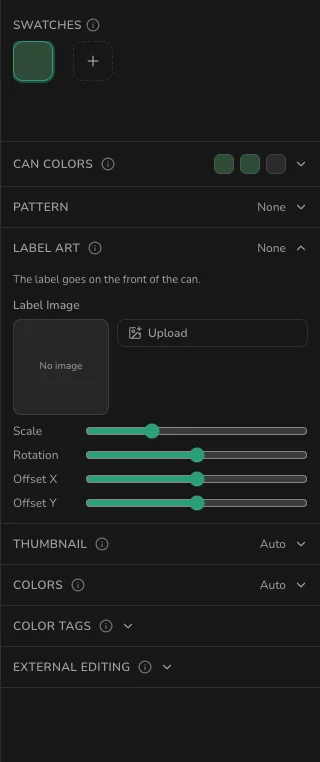
Upload a picture and it prints on the front of the can, like a council crest or a recycling sign. Scale, Rotation, Offset X and Offset Y place it.